Team, KYB and settings
The team
Section titled “The team”Settings > Team manages who can sign in to this workspace: invite by email with a role, resend a pending invitation, suspend and reactivate. Roles and their reach are summarised in Getting around; invitations expire if not accepted, and a suspended member loses access on their very next request.
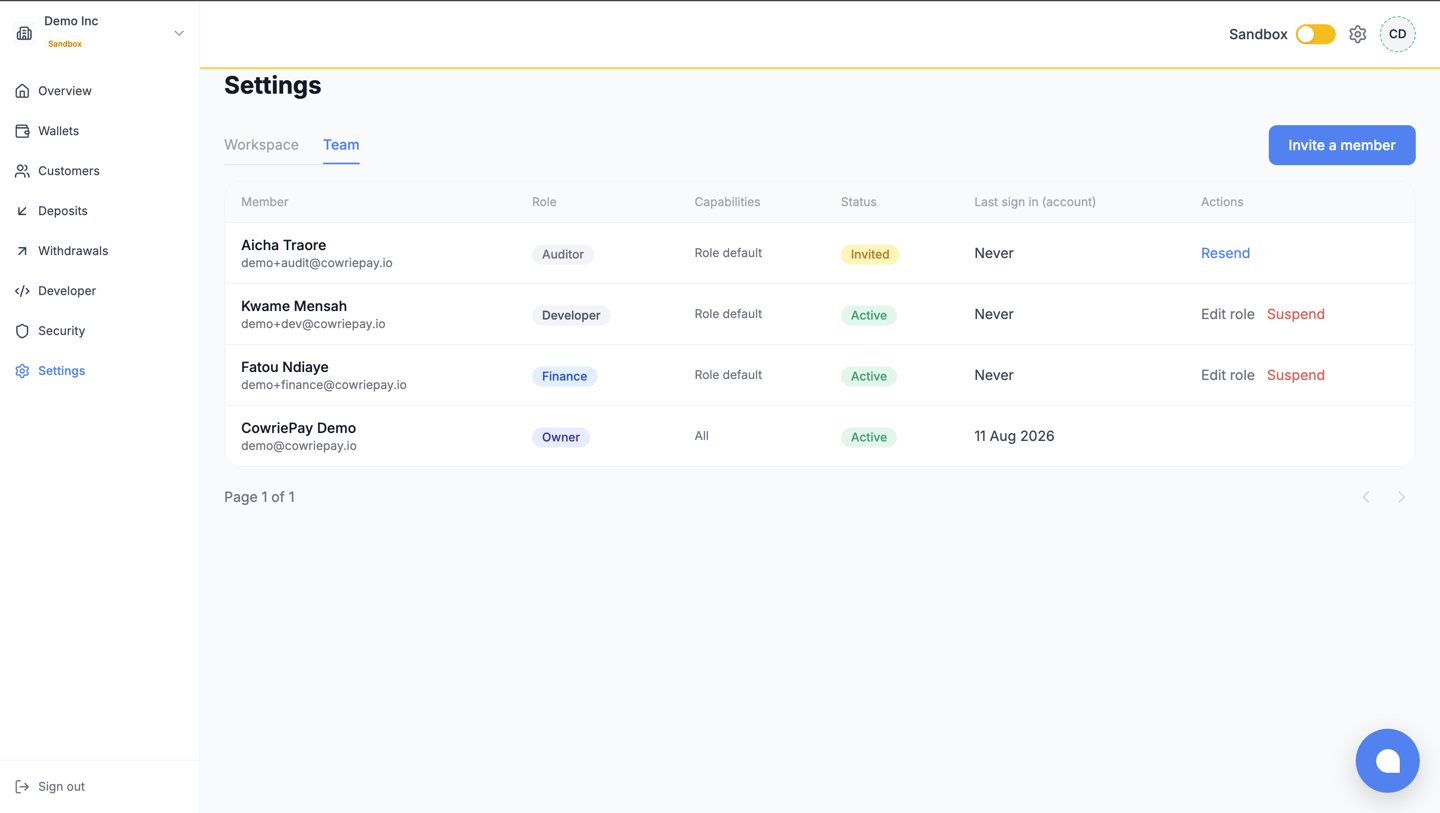
One team habit worth adopting early: if you will use withdrawal approvals, invite the second approver before you need them, and have them enrol 2FA on day one.
KYB: the dossier that unlocks Live
Section titled “KYB: the dossier that unlocks Live”Settings hosts the KYB dossier, in three parts:
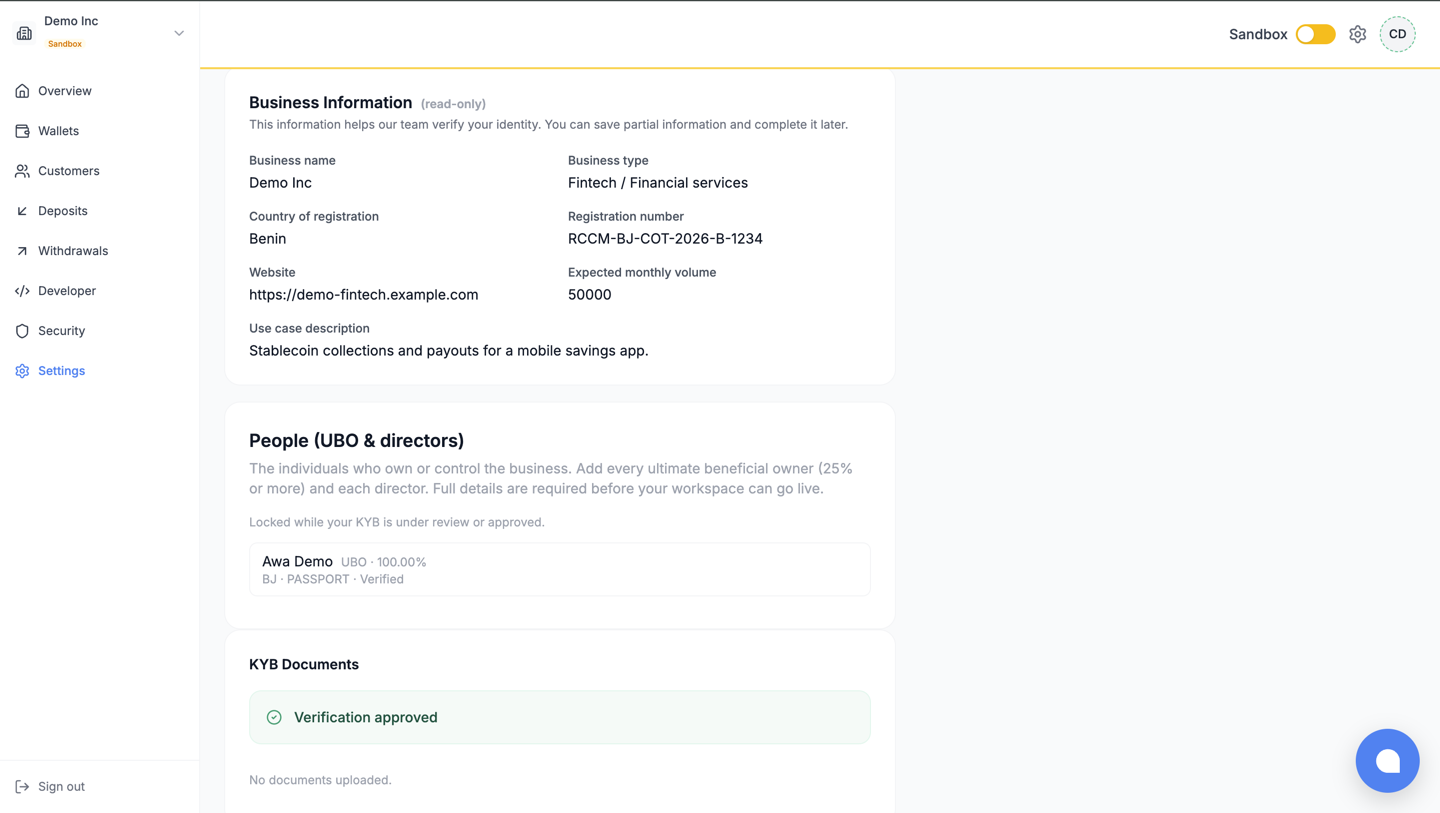
- Business information: legal name, registration, country, and your expected activity.
- Documents: the registration certificate (RCCM, Kbis or equivalent) and an identity document are required; proof of address and bank statement help. PDF or images, up to 20 MB each.
- People: the structured identity of the humans behind the business. Go-live requires at least one UBO, and every UBO and director needs their full identity fields; a signatory needs only a name.
Submit when complete. While the dossier is under review it is frozen (no edits, no uploads); if it is rejected, the reason appears here, you correct, and resubmit. The full gate, and what happens after approval, is in Going live.
Workspace settings
Section titled “Workspace settings”The workspace name is editable by the owner. The mode badge, the network toggle and everything they affect are covered in Getting around.
What next
Section titled “What next”- Security: the page to configure the day Live opens.
- Going live: the whole path, checklist included.